
Calling on students in class
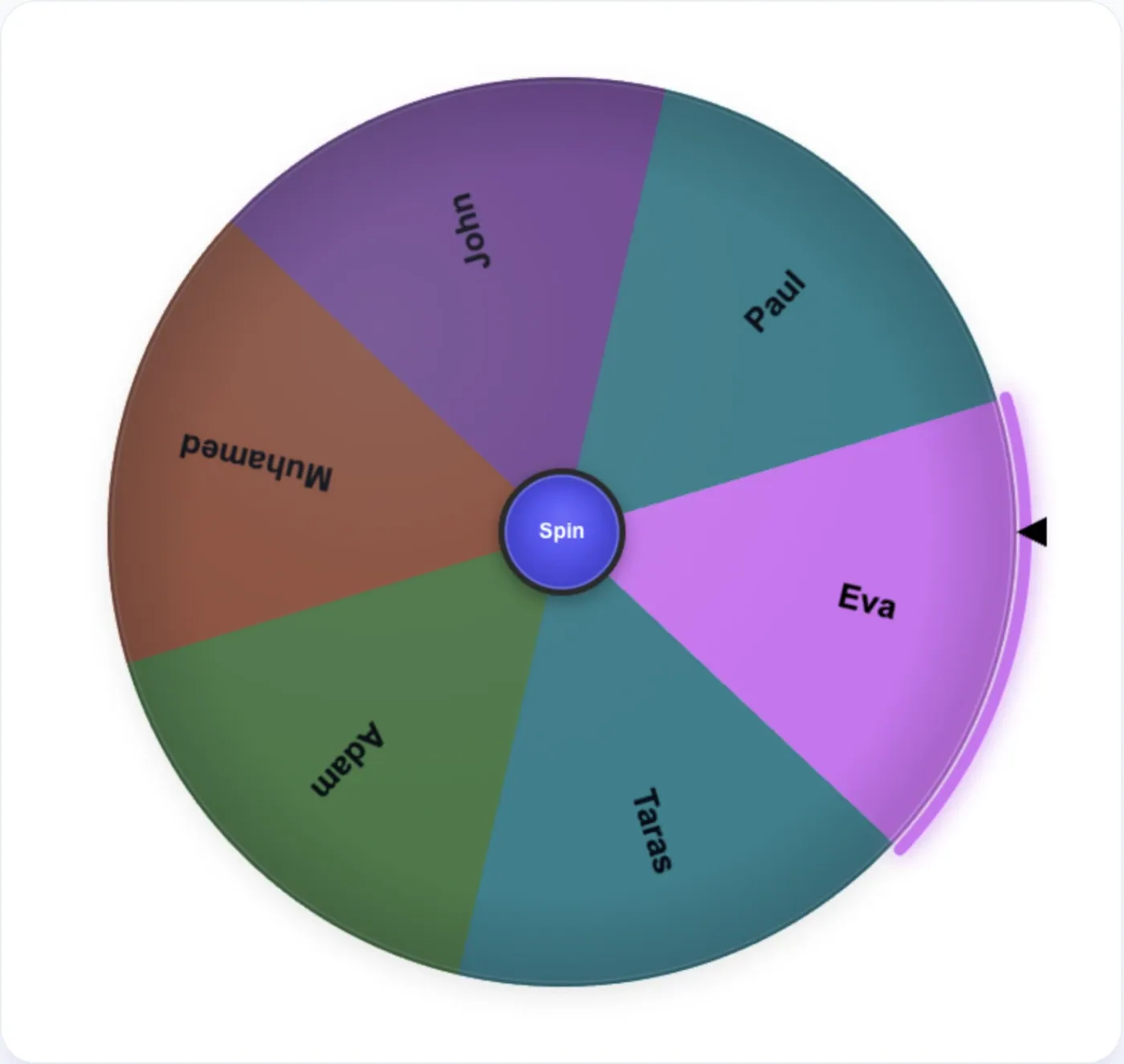
Paste the class list once, then spin the wheel of names whenever you need a volunteer, a reader or someone to answer. Press Remove after each pick so every student gets a turn before anyone is called twice.
Spin the wheel of names to pick a random name. Paste a list, spin, and remove each winner so no one is picked twice. Free, no sign-up, works on phones.
Add the wheel to OBS as a Browser Source, and control it from a Custom Browser Dock — on the same computer.
Tips
Paste from a spreadsheet. Copy a column of names from Google Sheets or Excel and paste it into the Entries box: each cell becomes one line and one slice.
Shuffle and Sort. These buttons change where names sit on the spinner wheel. They do not change anyone's chance: every slice stays the same size.
No repeats. To use it as a random name picker with no repeats, press Remove after each pick. The name leaves the wheel and appears in the Winners tab, so you always know who has had a turn.
Extra chances. To give someone two chances (for example, two raffle tickets), enter the name twice. It is the only way to change the odds, and everyone can see it on the wheel.
Hands-free spins. Voice control spins the wheel when you say your command, and Voice-over announces the result, which helps when you are standing at the front of a room.
Timed rounds. Auto rerun spins again after the number of seconds you set, useful for quick classroom rounds or a stream that runs on its own.
Share the same wheel. Share QR code opens your wheel, with the same names, on another phone or a classroom screen.
Full screen. The full-screen button in the header shows the wheel spinner large enough for a projector or a TV.
Keep it fair and fun. Spin the wheel of names for everyday choices, games and classroom turns. For decisions that matter, use it to break a tie, not to replace judgment.
Use cases
Paste the class list once, then spin the wheel of names whenever you need a volunteer, a reader or someone to answer. Press Remove after each pick so every student gets a turn before anyone is called twice.
Paste the entrants' names or ticket numbers and spin the wheel of names on screen so everyone sees the draw. For several prizes, remove each winner and spin again; the Winners tab keeps the order. For official prize draws, check the rules that apply where you run them.
Spin team captains or the first pick with the wheel. To split a whole class or office into groups at once, use the random group generator; to draft sports teams on a wheel, the random team generator.
Spin, press Remove, and repeat until the wheel is empty. The Winners tab then shows the full order from first to last, ready to read out or copy.
Board games, card games and party games all start with the same question. Put the players on the picker wheel and let one spin decide.
Put the family or flatmates on the wheel and spin for dishes, trash or the shopping run. The list stays saved in the browser, so next week's spin takes one tap.
Add viewers' names and spin on stream. OBS Links gives a link you can add to OBS as a browser source; the OBS setup guide shows the steps.
Spin to decide who gives their update first, who takes notes or who picks the next icebreaker question. A wheel picker is quicker than waiting for a volunteer.
The wheel accepts any text, not only names, so it works as a decision wheel too. Enter restaurants, films or weekend plans, one per line, and spin when the group cannot decide.
Use the wheel to decide the order in which people pick or open gifts. Removing each name keeps the order fair and the Winners tab records it.
Fill the random wheel with characters, settings or topics and spin for a starting point. Spin twice and combine the results for a harder prompt.
FAQ